◎ Virtual tour
Parco dei Mulini
Walk among water, greenery and restored old watermills: one of the village's most beloved places, to explore point by point as if you were really there.
Explore Santa Maria del Molise and Sant'Angelo in Grotte as if you were there: 360° virtual tours with narration and ambient sound guide you through water, stone and views, for an even more immersive and evocative experience, wherever you are.
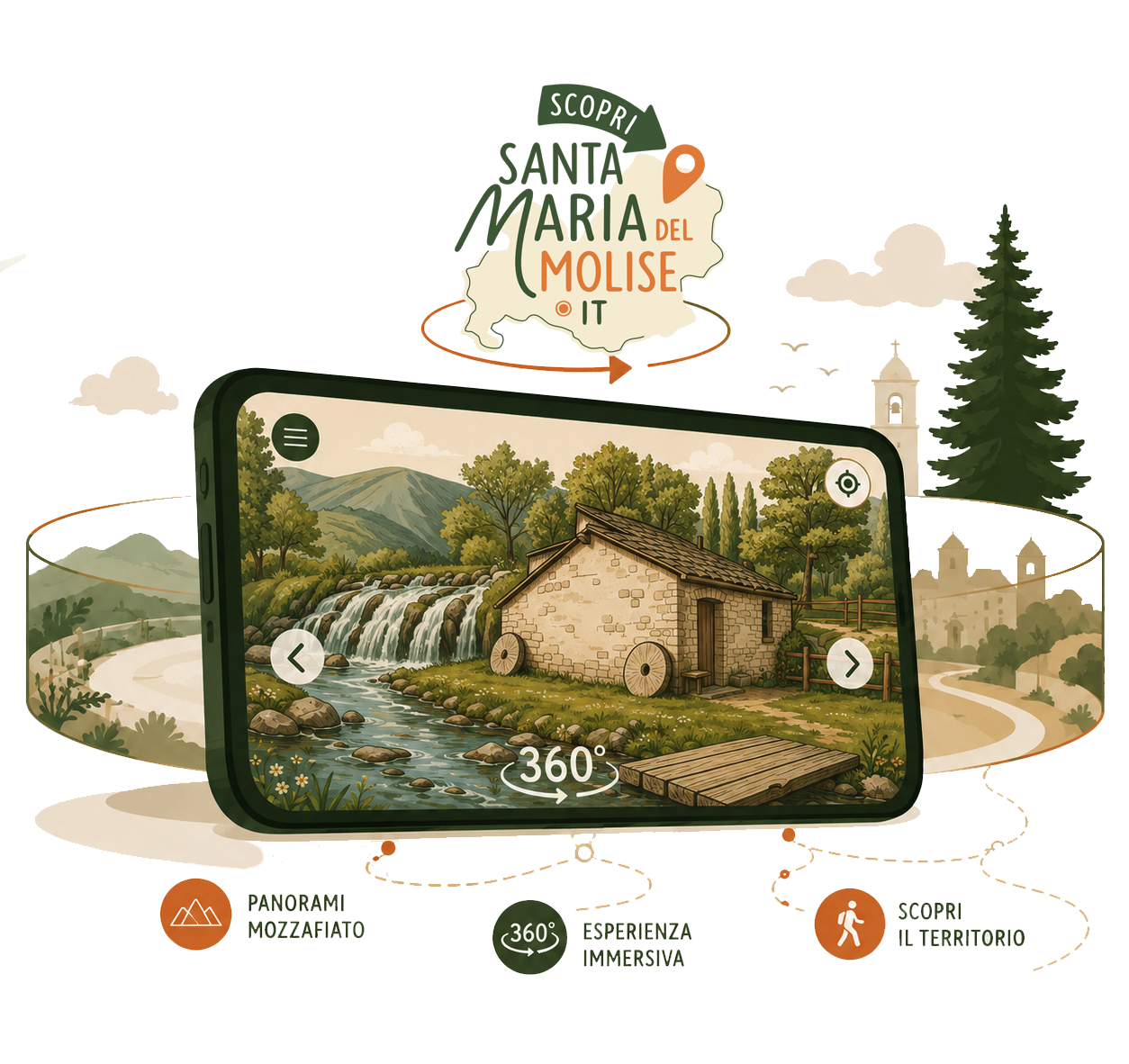
Look around in 360°, zoom in on the details and let yourself be wrapped in the atmosphere of each place — with narration and ambient sound — before you even get there. A simple, engaging way to discover the village and decide what to visit in person.
Drag with your finger or mouse to look around, use the wheel (or your fingers) to zoom in. In the full virtual tours you can turn on the narration and ambient sound for an even more immersive experience. Choose a place below to load it in this window.
A collection of 360° virtual tours with narration and ambient sound, dedicated to the landmark places of Santa Maria del Molise. Choose one and begin the journey.
Walk among water, greenery and restored old watermills: one of the village's most beloved places, to explore point by point as if you were really there.
Rock, silence and devotion: a place of spirituality and legend to experience all around, with narration.
The Parish Church of Sant'Angelo in Grotte and the Crypt of the Works of Mercy, with narration and ambient sound.
Twelve stops along the Scala Santa and the bell tower, with narration and ambient sound, to explore in every direction.
Stone alleys and suspended views towards the Matese. The virtual tour of the village is in preparation.
Just a few gestures let you explore each place in 360° and, where available, turn on the narration with ambient sound. The experience is designed mainly for smartphones, but works perfectly on a computer too.
Pick one of the available items, open the immersive experience and turn on the audio for the narration.
Drag with your finger or move your smartphone to look around in every direction.
When you are ready, reach the real place with the help of the map and itineraries.